
Want Your 360 Videos to Shine in VR? Here’s What Works (and What Doesn’t).
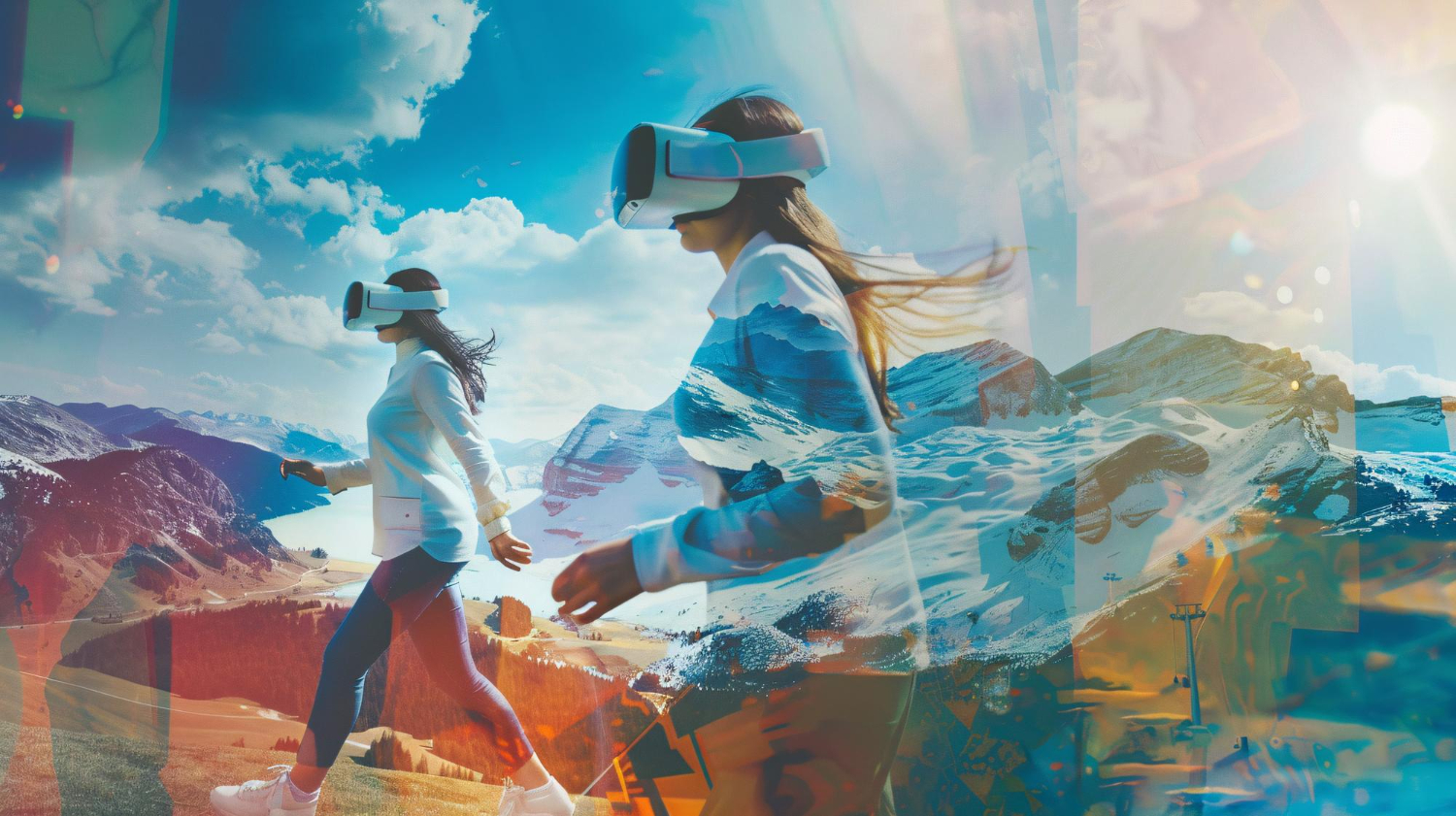
Virtual Reality (VR) has rapidly shifted from being a futuristic concept to a powerful medium for storytelling, training, marketing, and immersive experiences. Among the many ways to deliver VR content, 360-degree video is one of the most accessible and impactful formats. Unlike traditional flat videos, 360 videos allow viewers to look around in every direction, placing them at the center of the action.
But producing high-quality 360 video isn’t as simple as strapping on a camera and hitting “record.” It requires thoughtful planning, technical expertise, and a deep understanding of how audiences experience immersive content. Poorly produced 360 videos can quickly cause disorientation, reduce engagement, or simply fail to take advantage of the medium’s potential.
Let’s explore some best practices in creating 360 videos for VR, covering everything from pre-production and filming to editing and delivering the final immersive experience.
1. Start with a Clear Purpose
Before any technical decisions are made, it’s crucial to define the purpose of the 360 video. Ask yourself:
-
Who is the target audience?
-
What do you want them to feel, learn, or do after watching the video?
-
Why does 360-degree video work better for this story than traditional formats?
360 video works best for experiences where presence and immersion matter: exploring a location, understanding a process, or feeling part of a live event. For example, a corporate training video might benefit from 360 because employees can virtually step inside a factory floor, while a tourism video can transport viewers to breathtaking landscapes.
Clarity of purpose ensures the rest of the production decisions—storytelling, shooting style, editing—stay aligned.
2. Plan for Storytelling in 360 Degrees
Storytelling in VR is very different from flat film. In 360, the viewer has control over where to look, which means traditional techniques like framing, zooms, or cuts don’t work the same way.
Best practices for 360 storytelling:
-
Guide attention subtly: Use visual cues (movement, lighting, actors’ gaze) or spatial audio to draw attention without forcing it.
-
Think spatially, not linearly: Instead of one fixed camera angle, imagine scenes unfolding around the viewer.
-
Keep it simple: Complex storylines or fast-paced action may overwhelm viewers in a 360 space.
-
Use natural perspective: Place the camera at a realistic height—about human eye level—to give viewers a comfortable viewpoint.
Remember, 360 isn’t about directing the eye but about orchestrating the environment so the story unfolds no matter where the viewer looks.
3. Choose the Right Camera Setup
The camera is the heart of 360 video production. Options range from consumer-grade cameras like Insta360 ONE X2 or GoPro MAX to professional rigs like Kandao Obsidian or Nokia OZO (discontinued but still referenced).
Factors to consider:
-
Resolution: Higher resolution (8K and above) is strongly recommended. VR headsets magnify pixels, so low-res footage looks blurry.
-
Stitching quality: Multi-lens cameras require stitching footage together. Fewer seams mean a more seamless experience.
-
Dynamic range: 360 cameras need to handle varying light sources, since the entire environment is captured at once.
-
Portability and stability: For on-location shoots, a lightweight yet sturdy rig is ideal.
Tip: Always test your camera setup in advance in environments similar to your final shoot. VR exaggerates flaws like lens distortion, misaligned stitching, or exposure differences.
4. Pay Attention to Camera Placement
Where you place the camera determines how immersive the experience feels.
-
Think of the viewer as the camera: Place the rig at natural human height (~5 to 6 feet) for a realistic perspective.
-
Minimize parallax issues: Avoid placing objects too close to the camera (ideally keep them 3–4 feet away) to reduce stitching errors.
-
Avoid camera shake: Even small vibrations feel exaggerated in VR. Use a sturdy tripod or gimbal stabilizer.
-
Hide crew and equipment: In 360, everything around the camera is visible. Crew members, lights, or microphones can easily appear in shot. Use remote monitoring and plan hiding spots.
If you’re filming a scene with actors, ensure their actions happen in a circle around the camera, not just one side.
5. Lighting for 360 Videos
Lighting is tricky in 360 because you can’t use traditional setups like key lights and reflectors without them showing up in the shot.
Best practices:
-
Use natural lighting whenever possible: Shooting outdoors during golden hours (sunrise, sunset) creates natural and flattering light.
-
Diffuse artificial light: Soft, omnidirectional light sources minimize harsh shadows.
-
Balance the entire scene: Since the camera captures everything, ensure consistent exposure in all directions.
A well-lit scene not only looks professional but also helps maintain visual comfort in VR.
6. Audio Matters as Much as Video
Immersive visuals are only half the equation. Spatial audio is critical in VR to guide attention and create realism.
Best practices for VR audio:
-
Use ambisonic microphones: They capture sound from all directions and allow audio to shift based on where the viewer looks.
-
Balance narration and ambient sound: A mix of voiceover and environmental audio enhances immersion.
-
Sync audio with visuals: For example, if a car honks on the left side of the viewer, the sound should pan accordingly.
-
Avoid audio clutter: Too many competing sounds can overwhelm or confuse.
Spatial audio often guides the viewer’s focus better than visual cues, making it a powerful storytelling tool.
7. Minimize Cuts and Transitions
In traditional video, rapid cuts, zooms, and pans keep energy high. In VR, they can feel jarring or even cause motion sickness.
Best practices:
-
Longer takes: Let scenes play out naturally without too many edits.
-
Gentle transitions: When cuts are necessary, use fades or match cuts to maintain comfort.
-
Avoid artificial camera movement: Moving the camera in ways the viewer isn’t physically moving (like fast dolly shots) can cause disorientation.
Think of editing as shaping an immersive flow rather than manipulating visual perspective.
8. Optimize for Comfort and Accessibility
User comfort is paramount in VR. Even small mistakes can lead to nausea, dizziness, or fatigue.
-
Maintain horizon stability: Ensure the camera is level; tilted horizons make viewers feel off-balance.
-
Avoid shaky footage: Stabilize in post-production if necessary.
-
Limit video length: 360 videos are best consumed in shorter durations (3–10 minutes). Longer sessions may fatigue users.
-
Provide guided interaction: Use text overlays, arrows, or audio prompts to help viewers know where to look.
The goal is not just immersion but comfortable immersion.
9. Post-Production and Stitching
Post-production is where raw footage transforms into a polished immersive experience.
Key steps:
-
Stitching: Combine footage from multiple lenses into a seamless sphere. Tools like Mistika VR, Kolor Autopano, or Adobe Premiere plugins help.
-
Color grading: Consistent tones across the 360 field improve visual quality.
-
Stabilization: Software-based stabilization can fix minor shakes.
-
Add graphics or overlays: Incorporate 3D text, hotspots, or branding elements carefully so they don’t feel out of place.
Testing the video in a VR headset during post-production is essential. Something that looks fine on a flat monitor may feel awkward or uncomfortable in VR.
10. Test Across Devices and Platforms
Not all viewers will watch your 360 video in the same way. Some will use high-end headsets like Meta Quest, HTC Vive, or Pico, while others will view on smartphone based headsets or even smartphones, tabs or desktops.
Best practices:
-
Export in multiple resolutions: Provide a high-res version for VR headsets and a lighter version for mobile streaming.
-
Check compatibility: Different platforms (YouTube 360, Facebook 360, Vimeo VR, custom apps) may have different requirements.
-
Test user experience: Try watching on different devices to ensure clarity, comfort, and performance.
A great VR video should feel engaging whether experienced in a headset, a phone, or a desktop.
11. Keep File Sizes and Bitrates in Check
360 video files are heavy. An 8K 360 video can easily run into gigabytes, creating streaming and playback challenges.
Optimization tips:
-
Use efficient codecs: H.265 (HEVC) offers better compression without sacrificing quality.
-
Adjust bitrates: Strike a balance between visual quality and playback smoothness.
-
Consider adaptive streaming: Platforms like YouTube automatically adjust resolution based on bandwidth.
Smooth delivery is just as important as sharp visuals—no one enjoys stuttering VR.
12. Think About Interactivity
While traditional 360 video is passive, you can layer interactivity to increase engagement.
-
Hotspots: Clickable areas that provide extra info or trigger actions.
-
Branching narratives: Allow viewers to choose different paths in the story.
-
Data integration: Add quizzes, polls, or analytics for corporate training applications.
Interactivity turns 360 video from a viewing experience into a participatory experience.
13. Learn from Analytics and Feedback
Most platforms offer analytics on viewer behavior—where they look, how long they watch, where they drop off.
Use this data to:
-
Refine storytelling approaches.
-
Identify what environments hold attention.
-
Improve camera placement in future projects.
360 video is still an evolving art form, so continuous feedback and experimentation are key.
Creating compelling 360 videos for VR requires a blend of creativity, technical expertise, and empathy for the viewer’s experience. By planning with purpose, paying attention to camera placement, optimizing for comfort, and delivering across platforms, creators can craft immersive videos that truly transport audiences.
The best 360 videos are not just technically impressive—they are emotionally engaging, user-friendly, and tailored to the strengths of the medium. As VR adoption grows across industries—from entertainment and tourism to education and corporate training—mastering these best practices will ensure your content stands out in the increasingly crowded immersive landscape.
Done right, 360 video doesn’t just show a story—it puts the viewer inside it.
Share This Story, Choose Your Platform!
LISTEN NOW

CAPTIVATING READS