
The Sound of Presence: How to Create a Good Audio Experience in VR
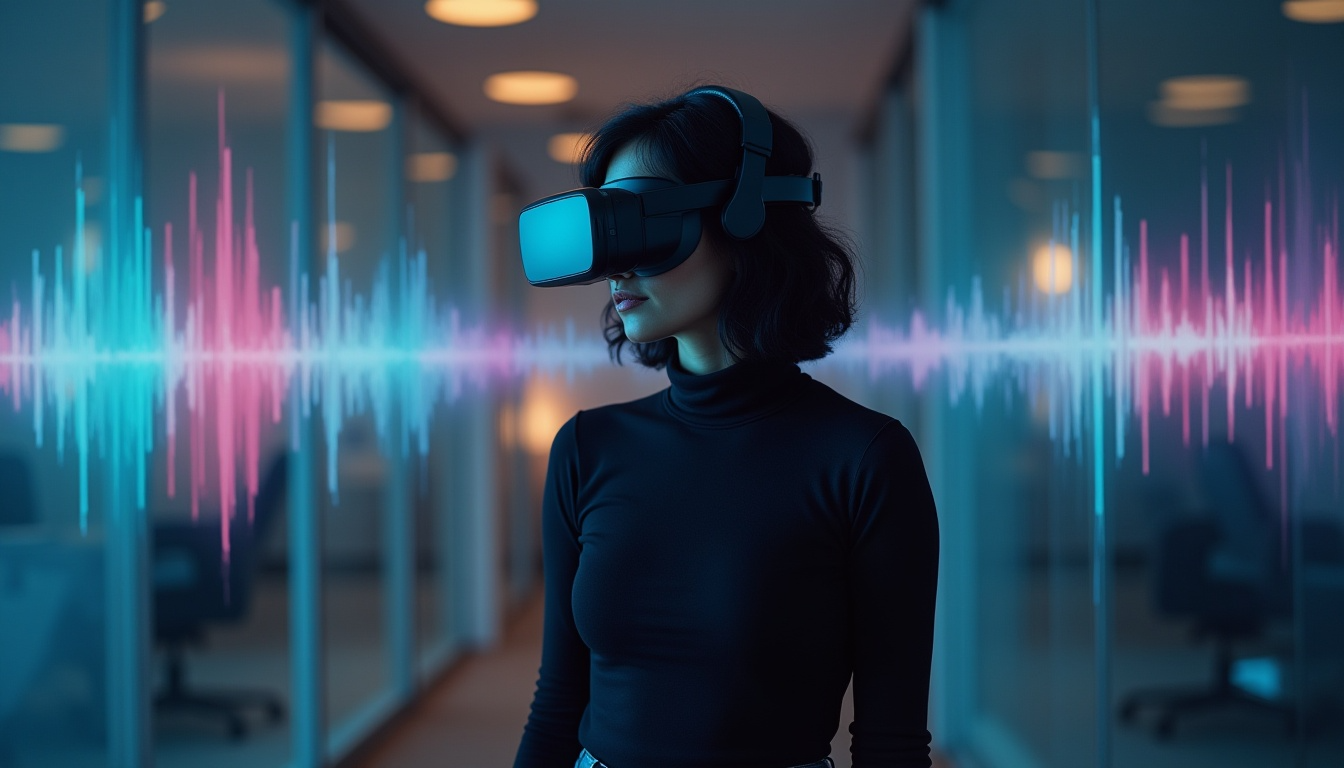
Virtual Reality (VR) is often celebrated for its visuals—the 360° views, photorealistic environments, and immersive graphics. But if there is one element that truly makes or breaks immersion, it’s sound. A realistic audio experience can transport users into the heart of a virtual world, amplifying emotions, guiding attention, and reinforcing presence. On the other hand, poorly designed audio can shatter the illusion, leaving the experience flat and forgettable.
In VR, sound is not just background—it’s an essential storytelling tool and navigational aid. So, let’s explores the techniques for creating a good audio experience in VR, covering spatial sound design, audio optimization, interaction-driven sound, and practical implementation tips.
1. Understanding the Role of Audio in VR
Before diving into techniques, it’s important to understand what audio contributes to VR:
-
Immersion: High-quality, spatially accurate sound enhances the “being there” effect.
-
Emotional impact: Music and ambient audio can set the mood, from calm and meditative to tense and dramatic.
-
Guidance: Sound cues help users know where to look or move, without intrusive visual prompts.
-
Realism: Natural echoes, distance effects, and occlusion replicate how sound works in the real world.
In VR, the brain expects sound to behave as it does in real life. That expectation sets a high bar for audio designers.
2. Spatial Audio and 3D Sound Design
The most critical technique in VR audio is spatial sound design, which simulates how sound is heard in three-dimensional space. Unlike stereo, which places sound left or right, spatial audio positions sound in all directions—above, behind, and below the listener.
Key Approaches:
-
Binaural Audio: Uses two channels with subtle timing and volume differences to trick the brain into perceiving depth and direction. Essential for headphone-based VR.
-
Ambisonics: A full-sphere surround sound technique that allows audio to rotate and reposition as the user moves their head. Ideal for 360° videos and VR worlds.
-
Head-Related Transfer Function (HRTF): A mathematical model that simulates how ears receive sound from different directions, providing more realistic localization.
Best Practice: Always test sound from the perspective of the user inside VR, not just in the editing suite. A sound that feels accurate in stereo may feel “off” when mapped to a VR scene.
3. Environmental and Ambient Audio
VR isn’t only about obvious sounds like voices or footsteps. Background audio layers—subtle wind, city hum, birds, water flow—are what create a sense of place.
Techniques to Use:
-
Layering Ambience: Combine multiple environmental tracks at varying volumes to prevent looping monotony.
-
Dynamic Ambience: Change environmental sounds based on the user’s location or movement (e.g., muffled indoors vs. open outdoors).
-
Reverb and Echo Simulation: Adjust based on environment—tight reverb indoors, expansive echo in caves, minimal reverb in open fields.
Example: In a VR forest, birdsong should come from specific tree positions, leaves should rustle when the user passes, and wind should change intensity with elevation.
4. Sound Cues for Interaction and Navigation
One of VR’s biggest challenges is guiding the user without breaking immersion. Audio provides a natural way to direct attention and signal interactivity.
Techniques:
-
Proximity Cues: Volume and intensity increase as the user approaches an object.
-
Directional Cues: A subtle sound can make users turn their head toward an important event (like a character entering from behind).
-
Interactive Feedback: Buttons click, doors creak, items buzz when picked up—reinforcing actions.
-
Non-Visual Alerts: Instead of arrows or flashing icons, a soft chime can guide users toward the next objective.
Tip: Keep cues natural. Overly repetitive or exaggerated audio hints can feel intrusive.
5. Balancing Music and Environmental Sound
Music in VR must be carefully balanced with ambient and interactive audio. Unlike films, where music dominates, in VR it should support immersion without overwhelming natural sounds.
Best Practices:
-
Diegetic vs. Non-Diegetic: Diegetic (in-world) music, like a radio playing in a room, feels natural. Non-diegetic (background score) should be subtle and reactive.
-
Adaptive Music: Use interactive audio systems where music shifts based on user actions—tension rises as danger approaches, calming tones when safety is restored.
-
Volume Management: Avoid drowning out spatial cues; music should complement, not compete.
6. Optimizing Audio for Performance
VR requires high-performance optimization. Poorly optimized audio can cause latency, distortion, or even VR sickness.
Techniques:
-
Compression: Use efficient file formats without noticeable quality loss. OGG and AAC are common choices.
-
Spatialization Budgeting: Not every sound needs full 3D processing—reserve it for key sounds. Background ambience can remain stereo.
-
Culling and Prioritization: Limit active sounds. Prioritize sounds nearest or most relevant to the user.
-
Latency Reduction: Ensure low audio latency to keep synchronization with visual cues and user head movements.
7. Realism through Occlusion and Obstruction
In real life, walls, objects, and distance affect sound. VR audio must replicate these effects to feel convincing.
Techniques:
-
Occlusion: Muffles sound when blocked by an object (e.g., hearing a conversation through a closed door).
-
Obstruction: Slightly alters or reduces audio clarity when partially blocked (e.g., someone talking from behind a pillar).
-
Distance Attenuation: Sounds fade realistically with distance rather than abruptly cutting off.
Tip: Use middleware like Wwise or FMOD, which support occlusion and spatial modeling natively.
8. User Comfort and Accessibility
Not every user experiences sound the same way. Good VR audio design should also consider comfort and accessibility.
-
Avoid Sharp Peaks: Sudden loud noises can startle and break immersion—or worse, cause discomfort.
-
Provide Volume Controls: Allow users to adjust levels of music, effects, and dialogue separately.
-
Subtitles and Visual Indicators: Support users with hearing impairments. Text cues or visual vibrations can complement audio.
-
Safe Listening: Keep prolonged exposure within safe decibel levels, especially for training or extended VR sessions.
9. Tools and Middleware for VR Audio
Professional audio tools make implementing advanced VR audio much easier. Common platforms include:
-
Wwise: Powerful middleware for adaptive audio, spatialization, and occlusion.
-
FMOD: Flexible audio engine with strong VR support.
-
Resonance Audio (Google): Free spatial audio SDK for VR/AR.
-
Steam Audio: Provides real-time spatialization and acoustic modeling.
Choosing the right tool depends on the VR platform, project complexity, and desired realism.
10. Testing and Iteration
Finally, no audio design is complete without user testing. Sounds that work in the studio may feel overwhelming, distracting, or too subtle in practice.
-
Test across different headphones and VR devices.
-
Observe user reactions—are they turning their head toward audio cues as expected?
-
Continuously fine-tune based on feedback.
Creating a good audio experience in VR is both an art and a science. It requires balancing spatial accuracy, environmental realism, interactivity, and performance optimization. When done right, audio transforms VR from a visual novelty into a deeply immersive, believable world.
Share This Story, Choose Your Platform!
LISTEN NOW

CAPTIVATING READS